RUN THEROOM.
Schedule, announcements, and round timers on every display in your academy — run from the instructor's phone.
Announcements · Schedule · Timer
How it works
Sign up.
Name your academy.
Add a display.
Get its access code.
Enter the access code on your TV.
The app takes it from there.
Everything on the wall, nothing to manage.
Your community, informed.
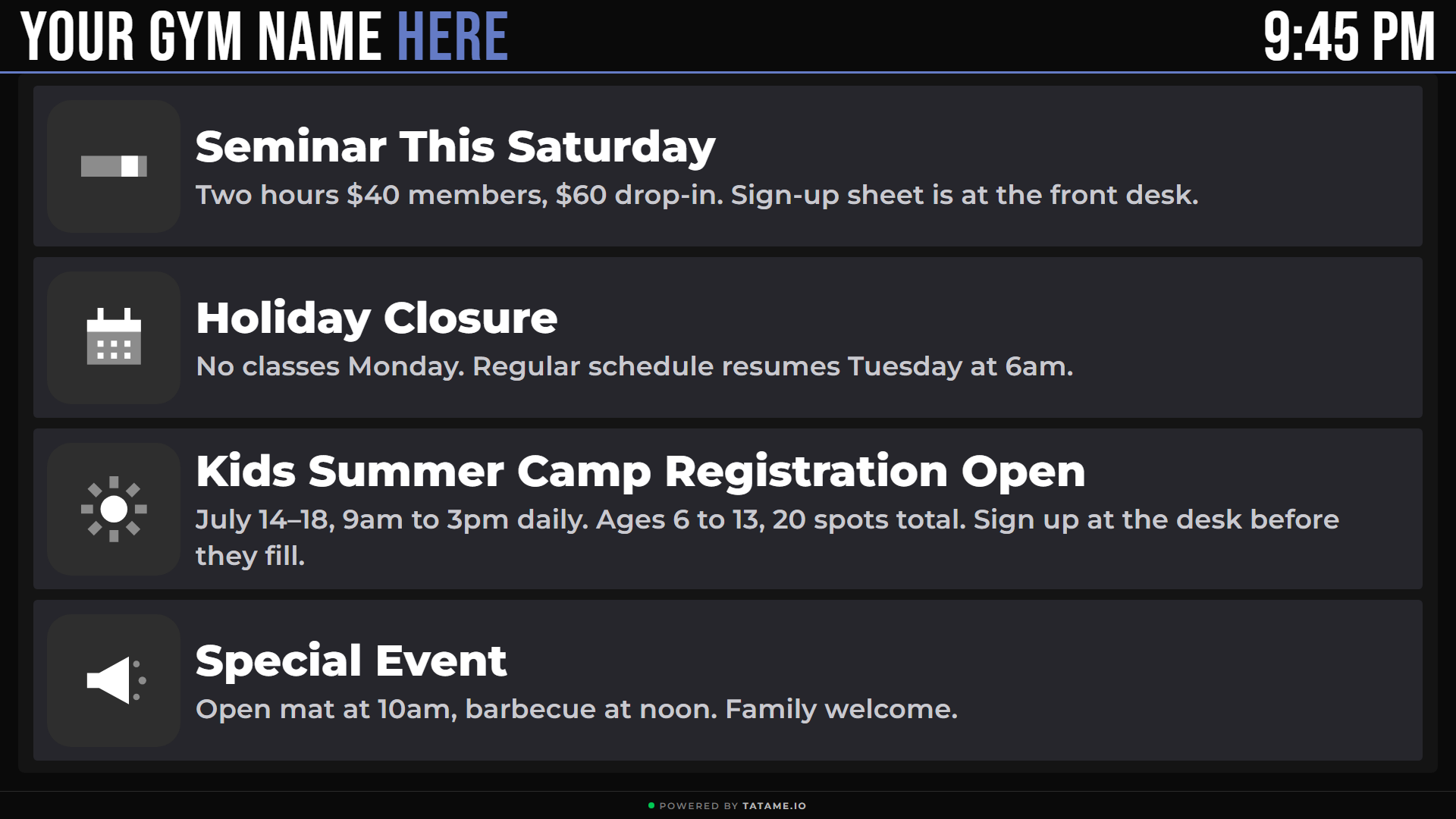
Post tournaments, promotions, and schedule changes once. Every display shows them instantly.
Your classes, on track.
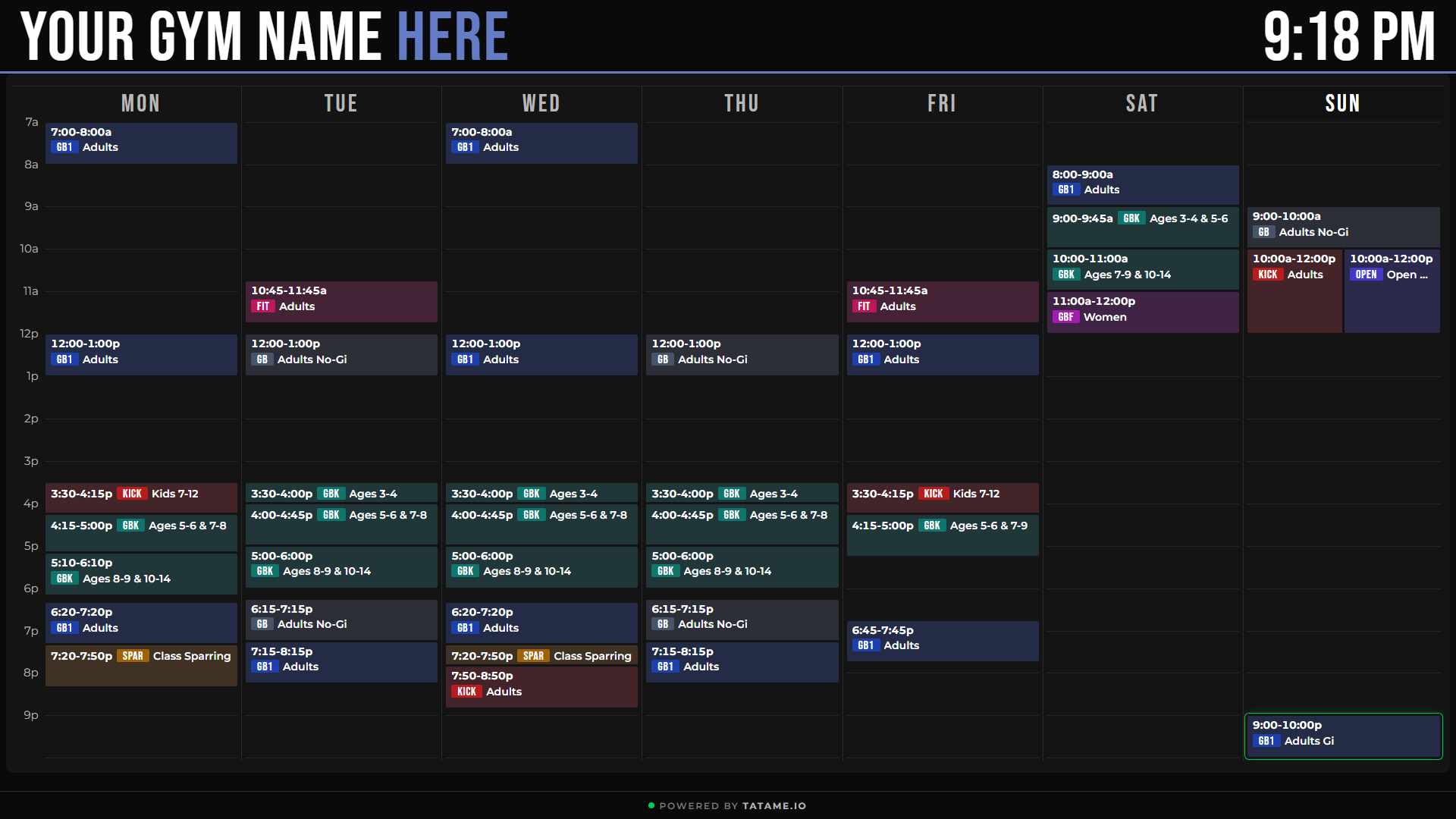
Build your weekly schedule once. Every display follows automatically.
Your rounds, on time.
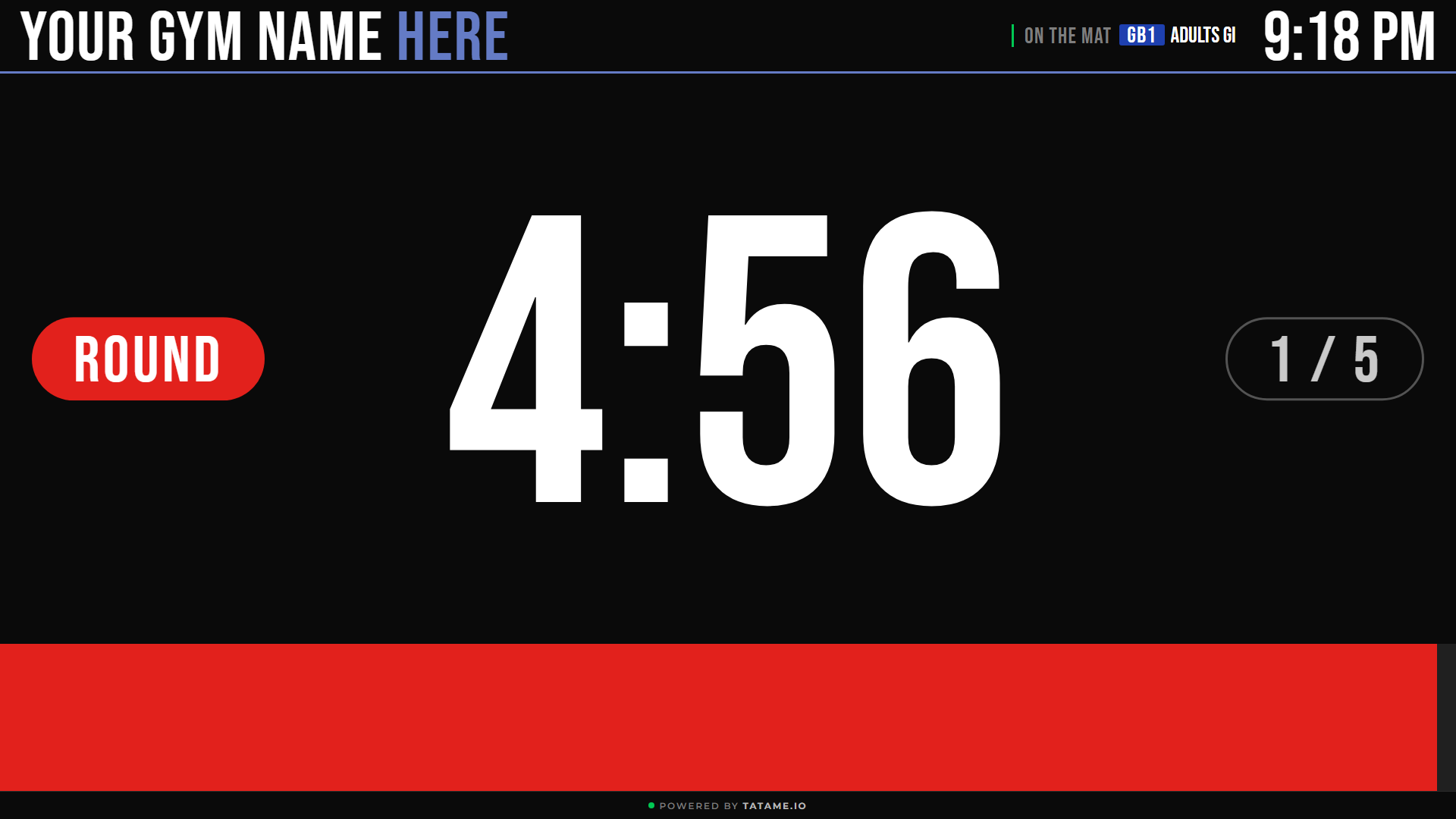
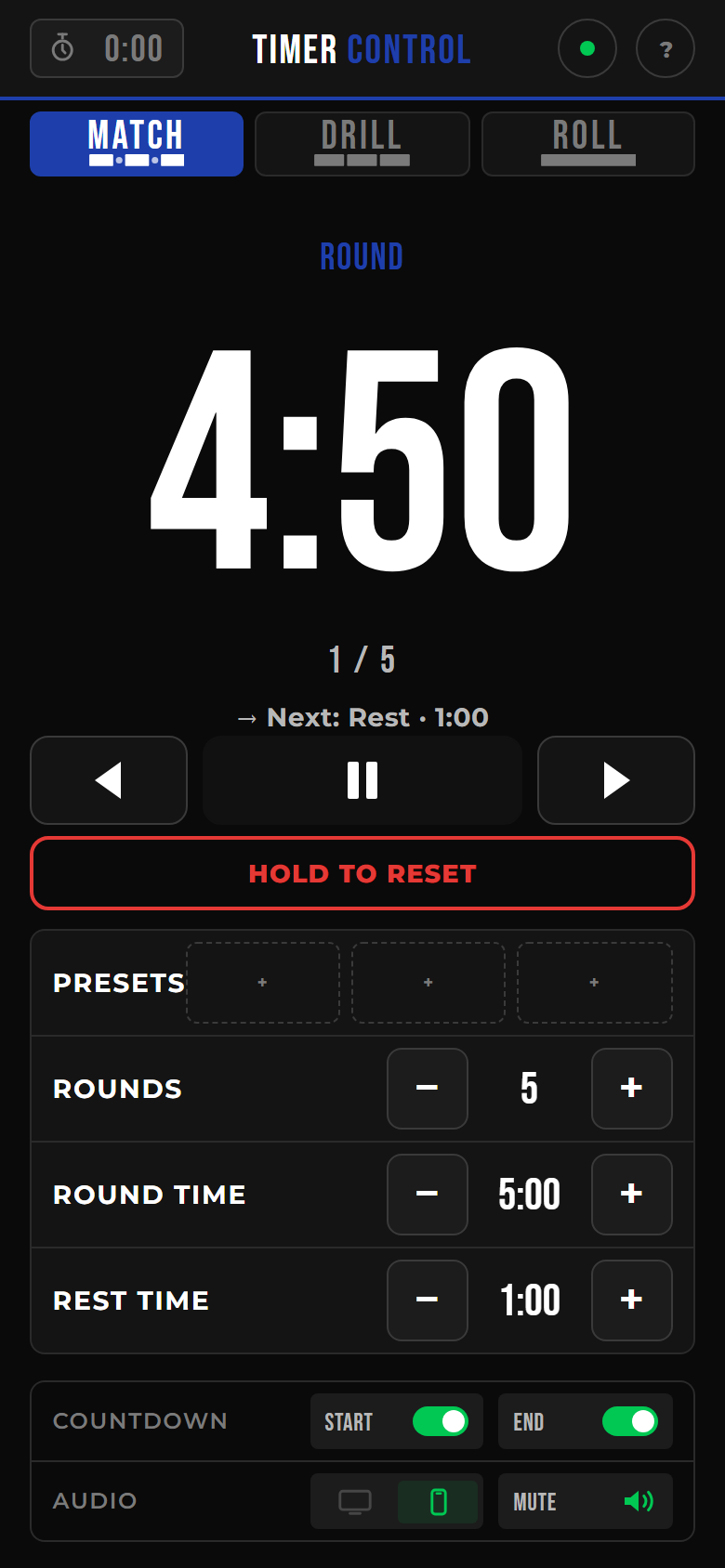
Round timer for match, drill, roll. Controlled from the instructor's phone, visible on every display.
Plans that grow with your academy
Pricing announced at launch — start with a 30-day free trial.
Board
2 displays · no timers
Mat
Unlimited displays · 1 timer
Academy
Unlimited displays · 6 timers
Questions
What hardware do I need?
A TV running Google TV, a Google TV stick, or an Amazon Fire Stick (coming soon).
What happens if the wifi drops?
A display that's already running keeps showing its last schedule and keeps trying to reconnect. If it loses power with no wifi, it won't come back on its own yet — that's on our roadmap.
How is the timer controlled?
From the instructor's phone — a web controller that pairs with your displays.
Do I need a card to start?
Yes — you'll add a card when you sign up. You get a 30-day free trial before it's charged.
Ready to run the room?
Set up your first display and start running class from your phone.
Start free30-day free trial · card required to start